
Be in the conversation.
Keep the details.
Prepare before a call, take notes without a bot joining, and return to the transcript and action items afterward. Keep recurring conversations together and ask across the series.
- Live transcripts and useful summaries
- Follow-ups linked to their meeting
- Ask about one meeting or a recurring series
Keep the conversation with your working plan.
Explore Notes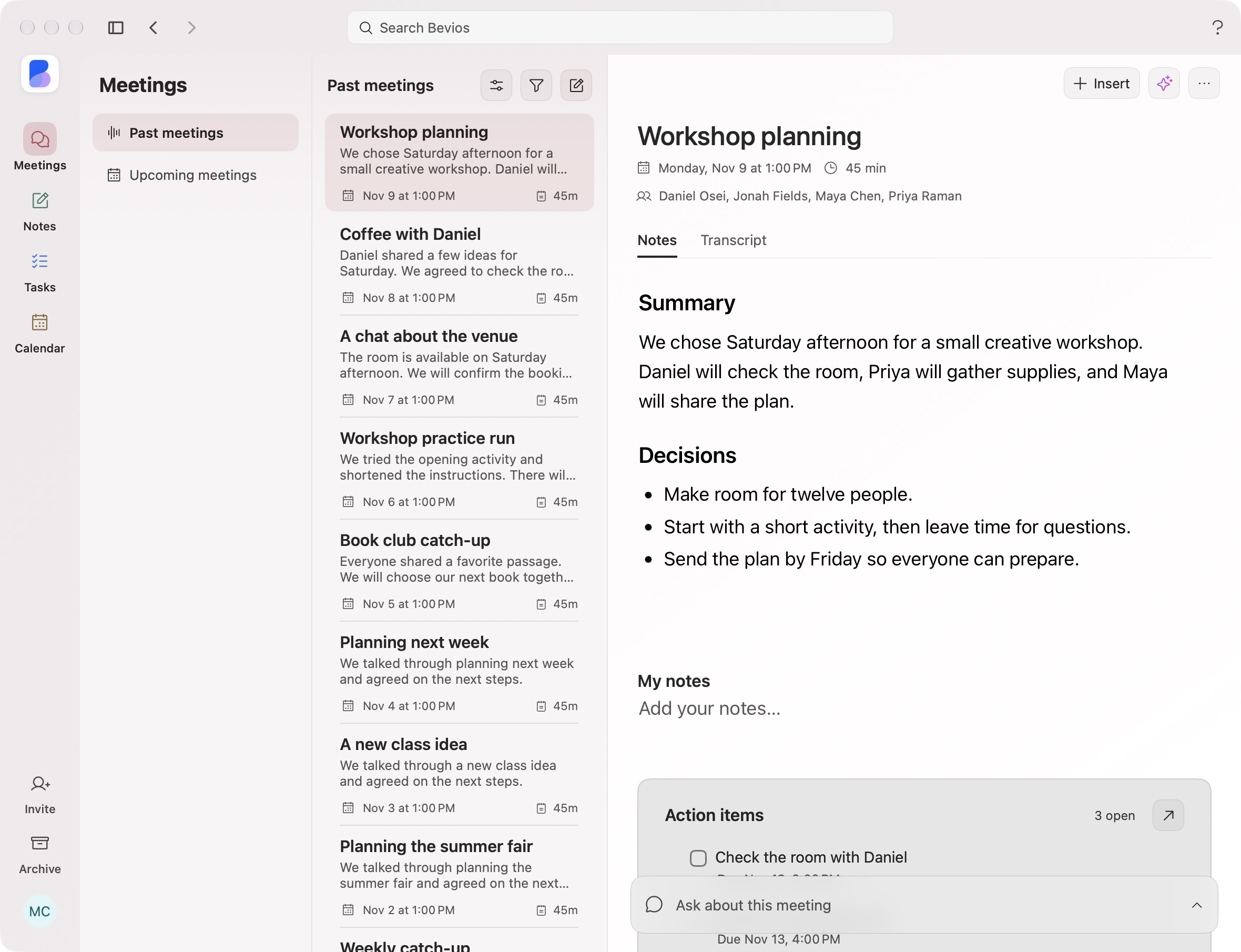
Start from your calendar. Pause when you need to.
Start from a calendar event with the title and attendees ready. Pause for a private aside, resume when you are ready, then review what follows.
- Your calendar provides the contextThe event gives the meeting its name and participants.
- Pause and resumeYou decide when audio should be captured.
- No bot in the callBevios takes meeting notes through your Mac. Let participants know before you begin.
Search and edit your meeting transcript.
Return to the words behind a decision. Search the conversation, correct a phrase or reassign a speaker before you use it in your plan.
- Search within the conversationFind the part you want to return to.
- Correct a turnEdit the words and speaker in place.
- Your vocabulary mattersAdd product names, colleagues and specialist terms in Settings.
Ask about this meeting. Or the whole series.
Catch up during a call, then revisit decisions across completed sessions. Recurring meetings keep dated notes and unfinished action items together.
- Catch me upRead a short recap of the conversation so far.
- Answers with dated sourcesAsk across a recurring series, open the source session, then return to your answer.
- Follow-ups across sessionsReview open action items from earlier meetings and open each task with its original context.
A little more detail.
Can I correct the transcript?
Yes. Edit a turn or reassign its speaker, and search within the transcript to find a detail.
What happens to the audio?
Bevios processes microphone and computer audio to create a transcript. Read the current privacy policy for processing and storage details. Tell participants before you begin.
Bring the conversation into your workspace.
Useful notes, clear decisions and a place for the follow-up.
Download for MacmacOS 14.2 or later · Free during beta
See how it connects